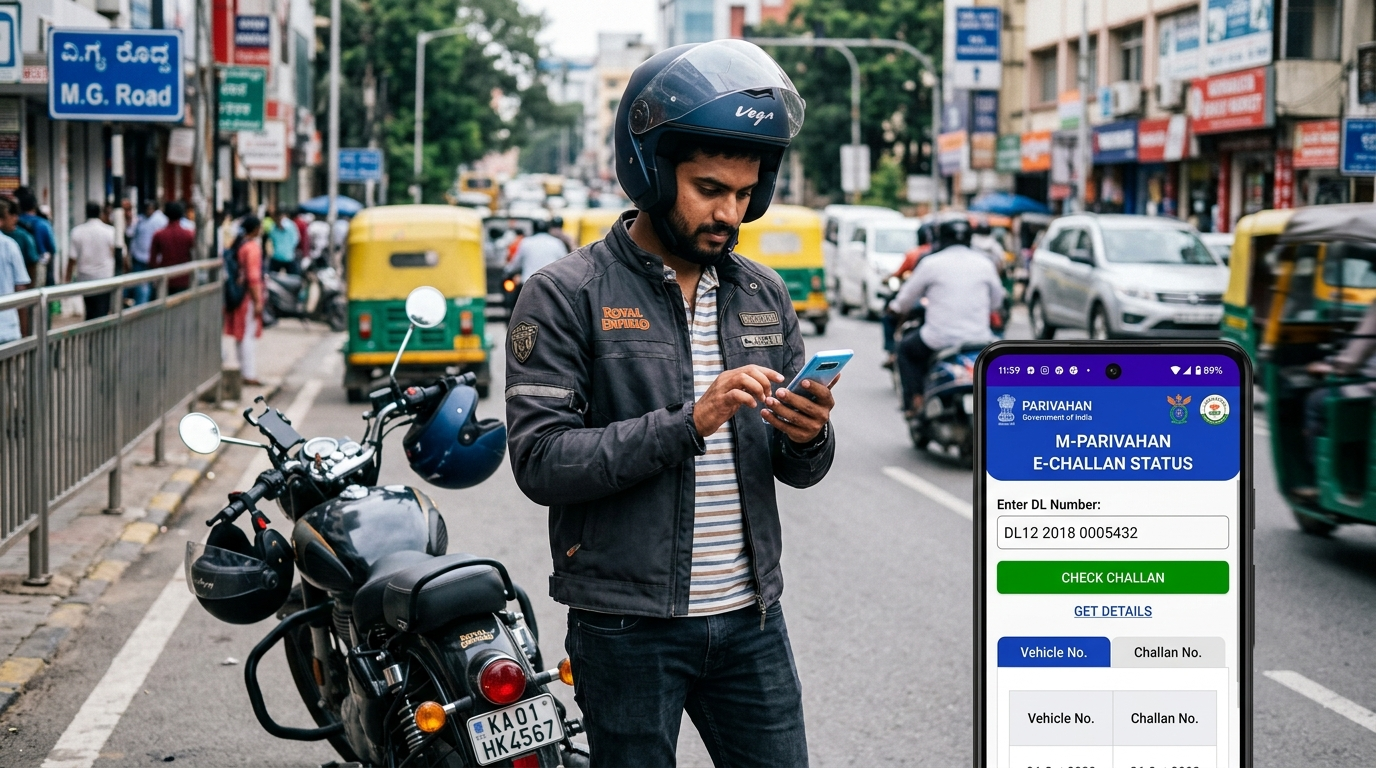
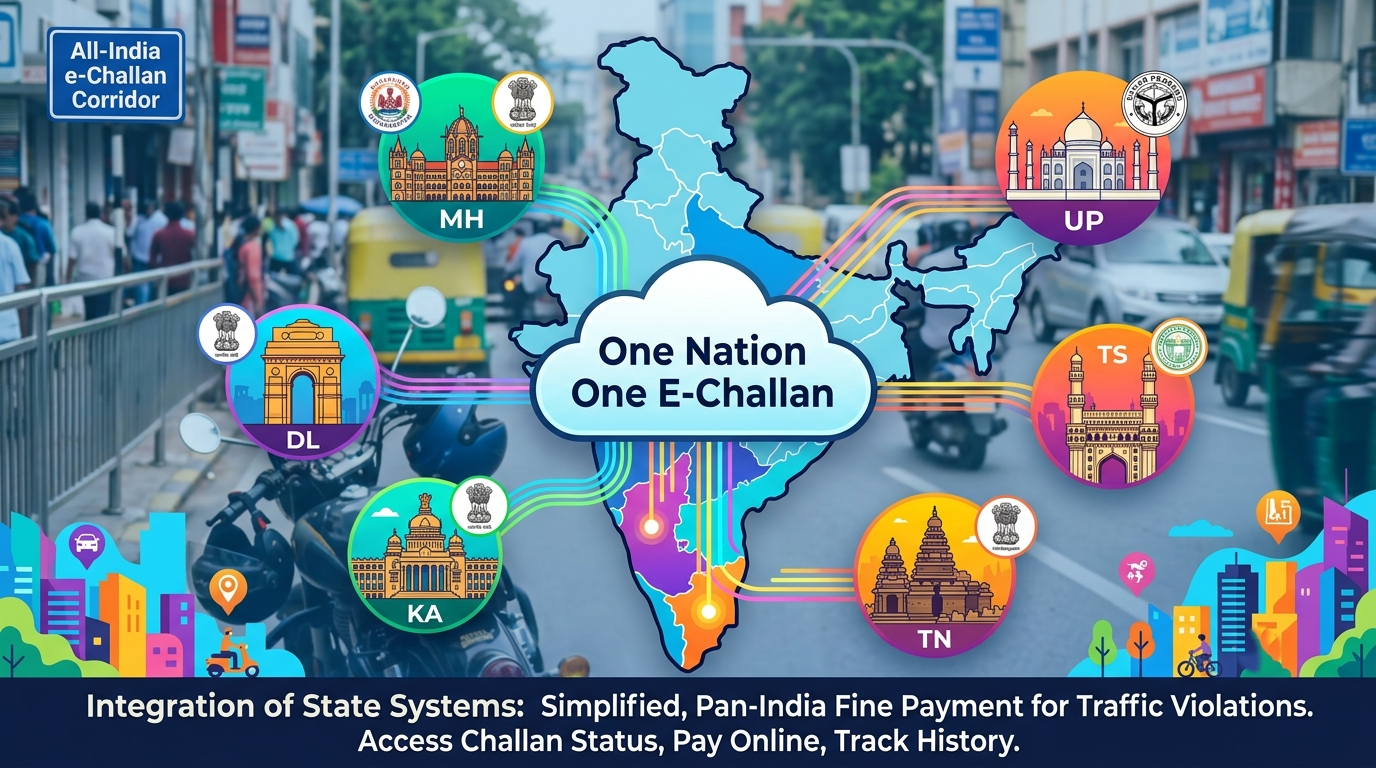
India’s “One Nation One E-Challan” system (launched by MoRTH in 2023) provides a unified portal for all states. The NextGen e-Challan portal (Parivahan) lets you search by Driving License number, Vehicle Registration Number, or Challan number. To use it:
- Visit: echallan.parivahan.nic.in (Parivahan e-Challan).
- Under “Check Online Services”, select “Check Challan Status”.
- Enter your DL number (or vehicle number/challan number) and the captcha.
- Click Get Details. The system fetches any pending challans linked to that DL.
This national portal covers states marked “KA, MH, TN, UP, etc.”. All those states (including Karnataka, Maharashtra, Tamil Nadu, Uttar Pradesh) are listed in Parivahan’s notice to use this portal. A screenshot of the Parivahan interface is shown:
Figure: Parivahan’s e-Challan portal lets you enter DL Number (along with vehicle/challan no.) to retrieve challan details.
Key Point: The Parivahan portal supports DL lookup for all states that have adopted the unified system. If your state’s portal does not allow DL search (see below), use the national site instead.
State-Specific e-Challan Portals
Most states either use the central portal or their own site. Below are steps for each target state. If DL-number lookup is unsupported on a state site, we note alternatives (e.g. vehicle number, challan no., or using Parivahan).
Maharashtra
Maharashtra’s traffic police use a “One State One E-Challan” portal, mahatrafficechallan.gov.in. However, the Maharashtra portal only accepts Vehicle Number and Chassis/Engine details (no DL search).
Steps:
- Go to the Maharashtra Traffic E-Challan portal (e.g. via mahatrafficechallan.gov.in or the Highway Traffic Police site).
- Under “Pay Challan” or “Check Status”, enter your Vehicle Registration Number and last 4 digits of chassis/engine number.
- Click Submit. Any pending challans for that vehicle are shown.
No DL option: Since DL lookup isn’t available here, either use the national Parivahan site (where you can enter your DL) or search by vehicle number on this portal.
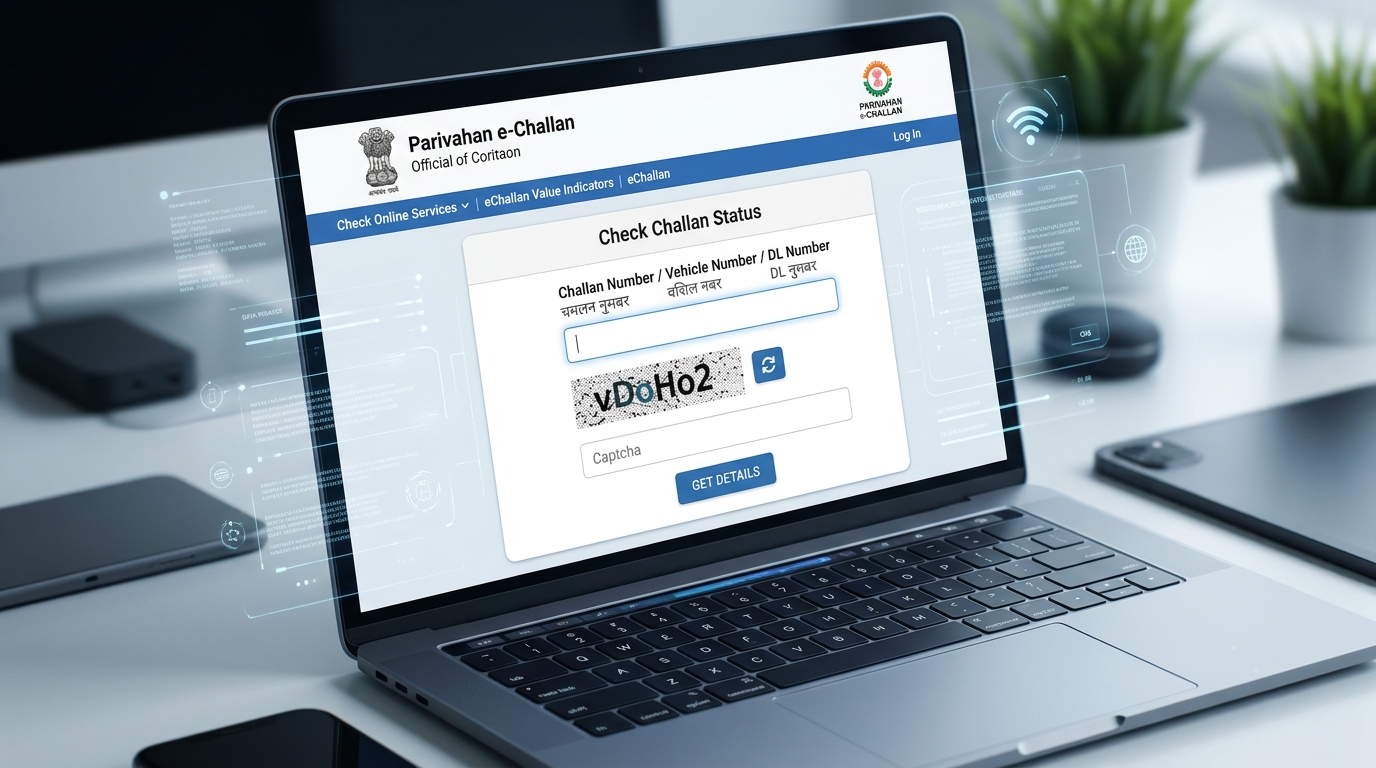
Figure: Maharashtra’s e-Challan site requires Vehicle No. and last 4 of Chassis/Engine to fetch challans (no DL lookup available).
Delhi
Delhi Traffic Police have their own e-challan portal at traffic.delhipolice.gov.in/echallan. This site allows lookup by vehicle or challan number, but not directly by DL.
Steps:
- Visit the Delhi Traffic Police e-Challan page (via traffic.delhipolice.gov.in/echallan).
- Under Check Status, enter your Vehicle Registration Number (or the Challan Number) and the captcha.
- View any listed challans. You may need to verify via OTP to proceed with payment.
No DL option: If you only have your DL number, use the Parivahan portal instead (select Delhi state on the NIC site). The Delhi Police portal does not have a DL input field.
Karnataka
Karnataka joined the national scheme (state code “KA” is in Parivahan’s list). There is no separate DL lookup on a Karnataka site; you should use the Parivahan portal (enter DL number as above).
Steps:
- Use the Parivahan e-Challan portal (NextGen) as detailed above.
- When entering details, you may filter by Karnataka if needed, but generally the portal auto-finds your DL’s challans.
(Alternative: If a future Karnataka-specific site emerges, use it similarly. But currently KA uses the NIC portal.)
Tamil Nadu
Tamil Nadu is also in the “one nation” list. Its traffic police don’t provide a separate DL lookup.
Steps:
- Go to the Parivahan e-Challan portal.
- Enter your DL number in the search box and the captcha.
- The system will list any TN challans linked to your DL.
(If needed, you can also search by vehicle number. Tamil Nadu police may also redirect to the national portal.)
Uttar Pradesh
UP likewise uses the national portal (UP code is listed). No separate DL-based lookup exists on a dedicated UP site.
Steps:
- Visit echallan.parivahan.gov.in.
- Enter your DL number and captcha in “Check Challan Status”.
- UP challans (if any) will appear for you to view or pay.
(UP does have a state site for e-challans, but it too follows NIC integration. Use the central portal for DL search.)
Telangana
Telangana’s police run echallan.tspolice.gov.in. The public view interface lets you check challans by Vehicle Number and Challan Number. It also has a section for DL Penalty Points (points on your license), but not direct DL‑based challan lookup.
Steps:
- Go to Telangana e-Challan (Public View):
echallan.tspolice.gov.in/publicview. - Enter your Vehicle Registration No. and the captcha.
- Click Go to see pending challans.
(DL lookup not provided): If you have only your DL, either check the “DL Penalty Points” page on that site or use the Parivahan portal (enter DL number) to find challans. The Telangana portal’s fields (Vehicle No., Challan No.) are listed in its description.
Figure: Telangana e-Challan portal public search has fields for Vehicle Number and lists “DL Penalty Points” – no direct DL search.
State Portal Comparison
| State | Official Portal | Allowed Search Inputs | Direct DL Lookup? | Link (or NextGen portal) |
|---|---|---|---|---|
| Maharashtra | Maharashtra E-Challan | Vehicle No., Last 4 of Chassis/Eng. | No | mahatrafficechallan.gov.in |
| Delhi | Delhi Traffic Police E-Challan | Vehicle No., Challan No., Captcha | No | traffic.delhipolice.gov.in/echallan (NIC integrated) |
| Karnataka (KA) | Parivahan (NextGen e-Challan) | DL No., Vehicle No., Challan No. | Yes | echallan.parivahan.gov.in |
| Tamil Nadu (TN) | Parivahan (NextGen e-Challan) | DL No., Vehicle No., Challan No. | Yes | echallan.parivahan.gov.in |
| Uttar Pradesh (UP) | Parivahan (NextGen e-Challan) | DL No., Vehicle No., Challan No. | Yes | echallan.parivahan.gov.in |
| Telangana | Telangana Police e-Challan (Public) | Vehicle No., Challan No., Captcha | No (use DL Penalty Points) | echallan.tspolice.gov.in |
Table: Comparison of state e-challan portals, required inputs and links. “NextGen e-Challan” refers to the Parivahan portal for One Nation One E-Challan.
Common Errors & Troubleshooting
- “Challan not found” even with correct DL: This can happen if the challan is still processing or the portal is down. Wait 24–48 hours (new e-challans may take time to upload to the system) and try again. Also confirm you chose the right portal (national vs. state).
- Incorrect entry or format: Make sure you include any state code prefixes (if required) and enter the captcha exactly as shown. For Maharashtra’s portal, include the last 4 chassis digits; for Parivahan, ensure no extra letters/spaces.
- Portal downtime or slow loading: Government sites may be busy. Try at off-peak hours or use a stable Internet connection.
- Captcha failing repeatedly: Refresh the page to get a new captcha. Some portals only allow a few attempts.
- DL not giving results: If the DL search returns nothing, try the Vehicle Number instead. It’s possible the DL has not been indexed yet. All state portals allow vehicle-based search as an alternative.
- Multiple state confusion: Some vehicles (especially commuters) may get challans in different states. If a challan was issued outside your home state, try searching under that state’s portal or at national Parivahan which covers all (One Nation One E-Challan).
Payment Options
Once you find a pending challan, you can pay it online. According to Maharashtra’s traffic police site:
“Citizens can conveniently pay their fines online through the official Maharashtra Traffic E-Challan portal or mobile app… [with] credit/debit cards, net banking, and mobile wallets. Offline payment is also available at authorized centers (traffic police offices, banks).”.
In general, all e-challan portals support multiple online methods: UPI, credit cards, debit cards, net banking. After entering DL/vehicle and selecting the challan, choose “Pay Now” and follow on-screen steps (enter card/UPI details). A confirmation receipt is emailed. You should always use the official payment gateway (the Parivahan site or state portal) – never pay via random SMS links.
Figure: Maharashtra portal notes online payment via card/netbanking or offline at police/bank locations.
Legal Implications of Unpaid Challans
Ignoring e-challans can have serious consequences. As Delhi’s traffic police warn, “Failure to clear a traffic e-challan… can result in further penalization”. Specifically:
- Late fees & penalty: Unpaid fines often attract a doubling of the original penalty after 60 days.
- Virtual Court Summons: Not paying can lead to a notice from the Virtual Traffic Court. You may be required to appear online to resolve the case.
- Driving license suspension: Multiple or long-overdue unpaid challans can trigger suspension of your DL.
- Vehicle seizure: In repeat or serious cases, the vehicle itself may be impounded by authorities.
- Registration hold: No renewal of registration (RC) until all challans are cleared.
In short, it’s best to check e-challans regularly (use your DL on Parivahan or vehicle number on state portals) and pay promptly. For disputed or incorrect challans, ChallanHub offers a [Wrong Challan Dispute](https://challanhub.in/wrong-challan-dispute/) service to contest them legally, and legal discounts can be negotiated through courts if needed.
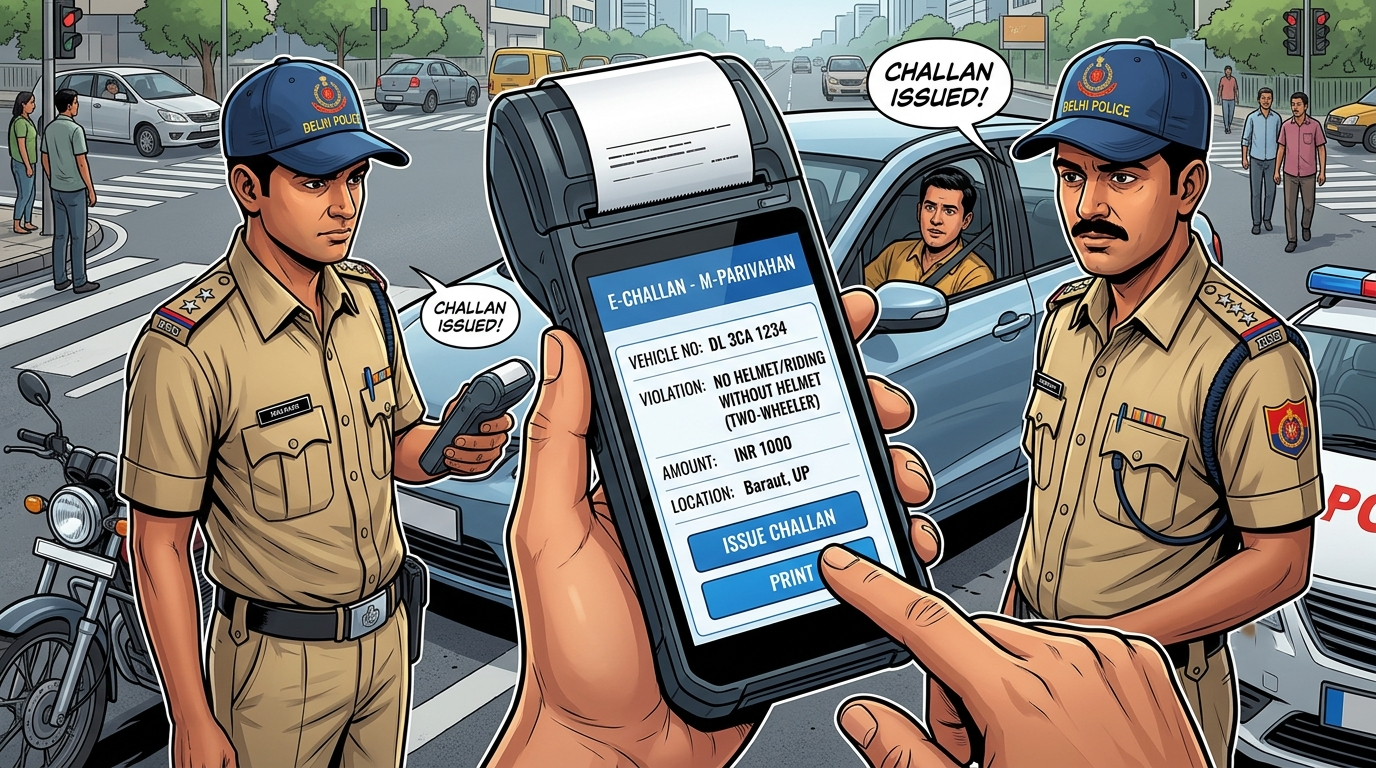
Figure: Traffic police guidance – non-payment may lead to a Virtual Court summons requiring you to respond online (eventual license suspension or seizure can follow).
Troubleshooting Tips
- Check state of issuance: Some portals filter by state; if a vehicle has multiple registration numbers (e.g. inter-state commuters), try each state’s number.
- Verify DL details: Ensure your DL number and date of birth on Parivahan match exactly how it appears on the license. Typos yield no result.
- Password/OTP issues: For payments, some states (e.g. Delhi portal) require OTP or login. Keep your mobile handy for verification.
- No challan after violation: If cameras or cops took offense footage but no e-challan shows up, wait 1–2 days. If still missing, contact local traffic police helpline or check Vahan PGI (Permanent Driving Info) for holding entries.
Frequently Asked Questions
-
Q: What is an e‑Challan?
An e-Challan is an electronic traffic challan issued by police for traffic violations (speeding, signal-jumping, no helmet/seatbelt, etc.). It’s a digital fine recorded in government systems. -
Q: Why use my DL number?
DL numbers link all violations committed by the driver (not just one vehicle). If you drive multiple vehicles, searching by DL shows all challans under your license. -
Q: Can I pay e-challans with DL if the car is not mine?
Yes. Parivahan’s DL lookup ignores vehicle ownership. It lists any challan issued against your driving license. -
Q: Where else can I check if not online?
You can visit the local RTO office or traffic police station to inquire. Parivahan’s “Check Pending Transaction” feature also shows fines blocking your license renewal. -
Q: What if I don’t agree with a challan?
Do not pay first. Instead, file a dispute. ChallanHub’s [Wrong Challan Dispute] service helps contest unjust challans with legal paperwork. -
Q: How long do I have to pay a challan?
Typically 60 days from issuance. After that, fines can double and legal action may begin. -
Q: Do I need to sign up on Parivahan?
No – Parivahan allows one-time lookup without login, using just your DL/vehicle and captcha. -
Q: Are all Indian states covered?
Most states have integrated into the One Nation portal. A few union territories and some agencies may not be listed – their portals (if any) should be checked separately.
